
 Mornings without the phone
Your morning comes first.
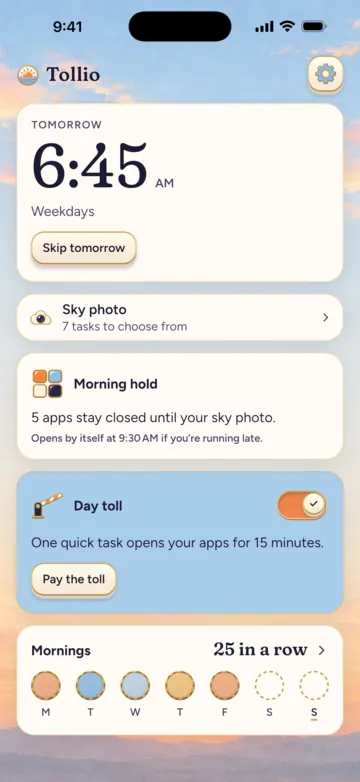
The alarm rings and Tollio asks for one small task, done out of bed. Until it’s done, the apps you picked (social, video, news) stay closed.
Coming soon to the App Store and Google Play
The morning
Out of bed first, phone after
Stopping the alarm doesn’t unlock your apps. Doing the task does.
The alarm rings
At the time and on the days you set. Stop it before the task is done and it rings again a few minutes later.

You get up for one task
Photograph the sky from a window, walk around the house, or pick another task from the list below.
Your apps unlock
The shield lifts and the morning joins your streak as a sky token. Running late? The morning hold lets go by itself at the time you chose.
The day toll
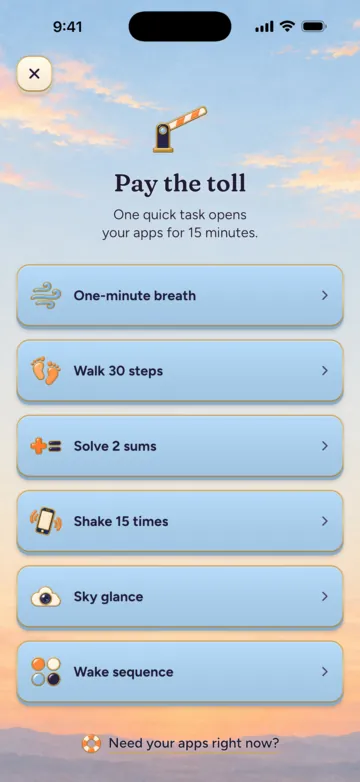
By day, the same apps charge a toll
Open one of them and the shield sends you to Tollio for a quick task. Pay it, and the app stays open for the minutes you picked. When they run out, the shield comes back by itself, without you opening Tollio.
The toll has its own switch, so you can keep only the morning hold and have your days free.
A toll can be
 Walk 30 steps
- Sky glance
 Solve 2 sums
 Shake 15 times
 Wake sequence
 One-minute breath
The tasks
Pick the task that waits for you at the alarm
Four of them take you away from the bed. Three work without leaving the room, and Wake sequence needs neither walking nor the camera.
Out of bed
Sky photo
Step to a window and photograph the sky.
Steps
Walk around the house while the phone’s step counter keeps count.

Whole bed
Get up, step back and photograph your whole bed.

Scan Pro
Scan a code you keep in another room, like the barcode on a box in the kitchen.
Without leaving the room
Quick math
A few quick sums in a row, set to easy, normal or hard.
Shake
Shake the phone hard, as many times as you set.
Wake sequence
Repeat a short pattern of lights. No walking, no camera.
For the day toll there’s also a slow breath with the circle, from 30 seconds to two minutes.
Sky tokens
Each morning keeps the color of its sky
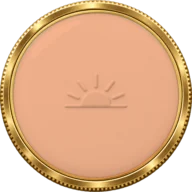
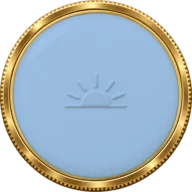
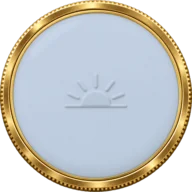
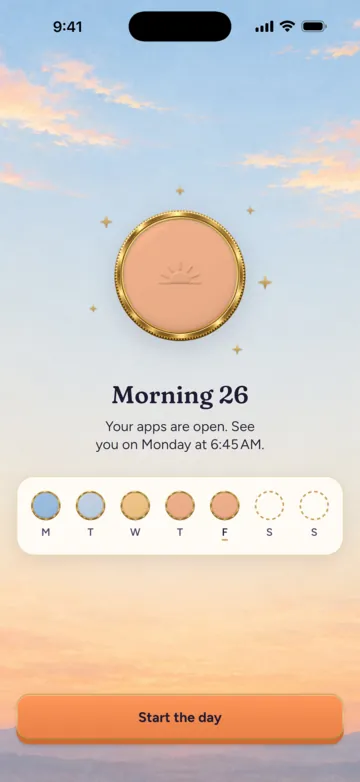
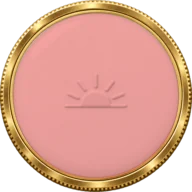
Every morning you win mints an enamel token in the color of that sky, taken from your photo or from the dawn at that minute. A week turns into a strip of real skies, a month into a mosaic of the mornings you saw.
If a morning slips because of Tollio rather than you, it stays frozen and your streak carries on.
Never locked out
Every shield has a way out
Tap the emergency unlock, wait one minute, and your apps open for a while with no task to do. In the morning, that morning won’t count.
Tollio holds only the apps you pick. Nothing is picked for you. The Phone app and emergency calls always work.
 Emergency unlockAlways free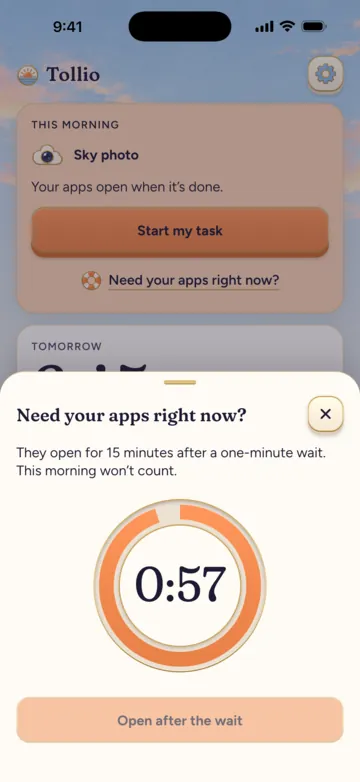
Tollio Pro
Make every morning yours
Tollio works without Pro. Pro is for mornings with more than one step.
- Routines of two or three tasks, including steps you write yourself, like “Open the curtains”
- The Scan task, with a code you keep in another room
- Your whole sky collection, month by month
- Share cards of your skies
- Silver and copper finishes for your tokens
Yearly with 7 free days, or one payment for life.
Without Pro you keep the alarm, the morning hold, the day toll, every task except Scan, your streak and the emergency unlock.
 Morning routine
- Sky photo
 Drink a glass of water
- Steps
Your morning counts once the last step is done.
Questions
Before your first morning
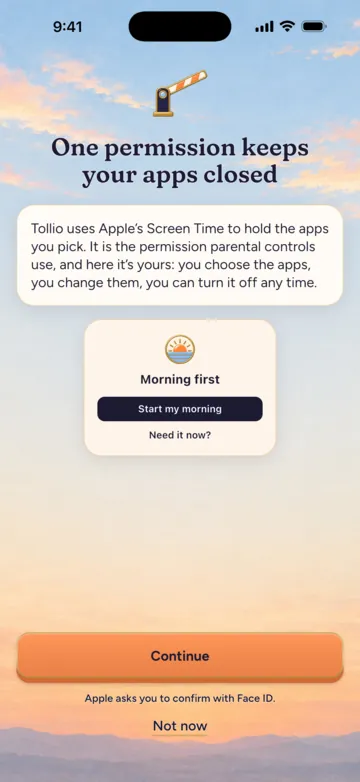
Why does Tollio need Screen Time?
Screen Time is how an iPhone app can keep other apps closed. It’s the permission parental controls use, and here it’s yours: you choose the apps, change them and turn it off whenever you want, in Tollio or in Settings.
What if I need an app right away?
Every shield has an emergency unlock. After a one-minute wait your apps open for a while. If it happens in the morning, that morning won’t count.
Does stopping the alarm unlock my apps?
No. The morning hold stays until the task is done, or until the time you chose for days when you’re running late.
Where does my sky photo go?
Tollio checks it on your phone, to see that it shows the sky and to take its color for your token. The photo is never sent anywhere. The privacy policy has the details.
Does Tollio work on Android?
On Android, Tollio is the alarm with the tasks that need no camera: Steps, Quick math, Shake and Wake sequence. The shield that keeps apps closed is only on iPhone.
What does Tollio Pro add?
Routines of two or three tasks with steps of your own, the Scan task, your whole sky collection, share cards and two more finishes for your tokens. It comes yearly with 7 free days, or as one payment for life.
Coming soon to iPhone and Android
Tollio isn’t on the App Store or Google Play yet. As soon as it is, the download links appear on this page.