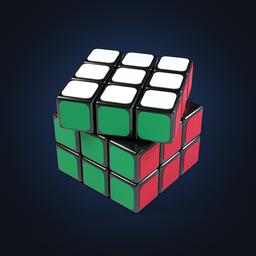


Scan your cube, solve it in 3D
Show it your cube. Get it solved.
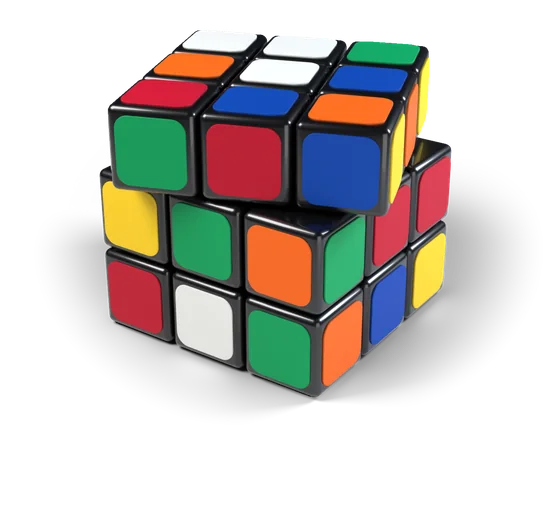
Cubofix reads the six faces of your 3x3 cube, finds a solution and guides you through it one turn at a time, on a 3D cube that looks like the one in your hands.
- When it isn't sure about a sticker, it points to that sticker and asks you its color.
- Solve as many cubes as you like, with no limit and no waiting.
- Then learn to solve it yourself.
Coming soon to the App Store and Google Play

The camera
Reads the colors, and asks when it isn't sure
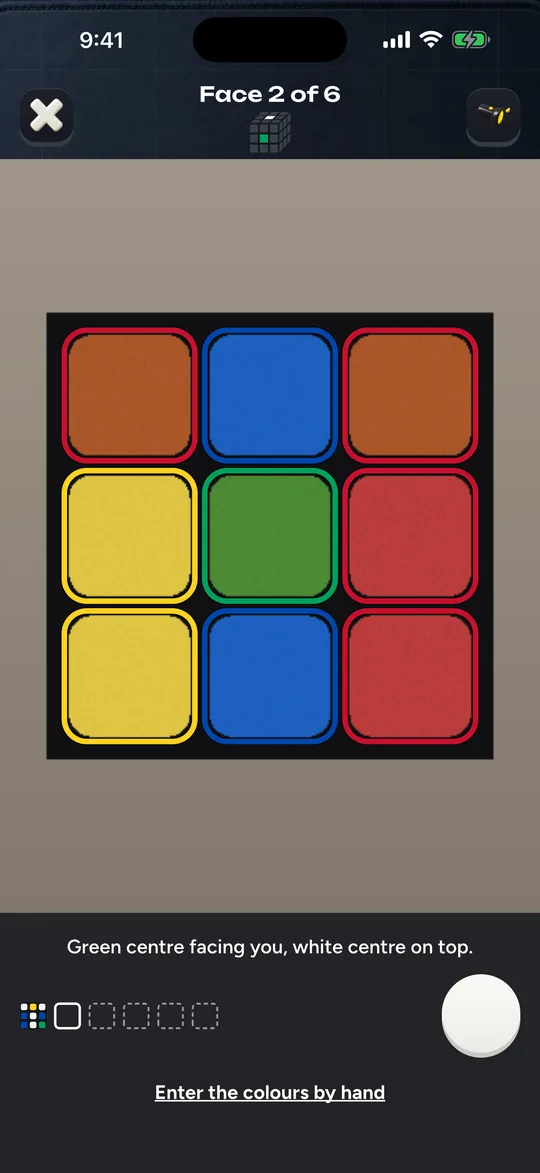
Red and orange, white and yellow: the pairs that are hardest to tell apart. Cubofix checks the light on every face. When it isn't sure about a sticker, it points to that sticker and asks you its color. When the light behind the cube is too strong, it doesn't guess: it asks you to turn toward the light.
- Before it solves, you see all six faces laid out flat. Tap any sticker to change it.
- No camera handy? Type the colors in by hand on that same view.

When something is wrong
Names the problem when a cube can't be solved
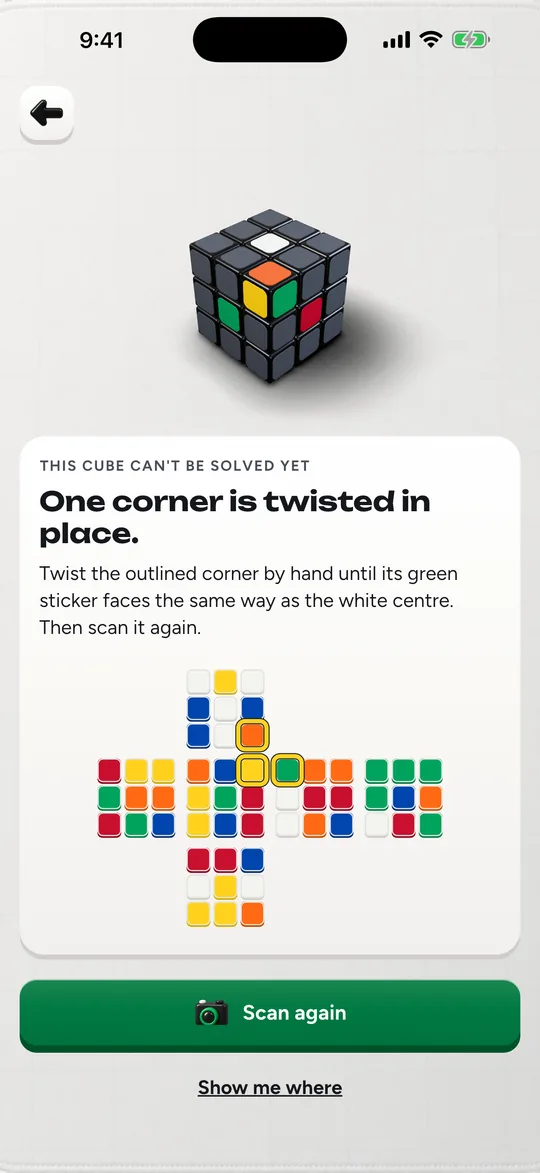
A twisted corner or a flipped edge makes a cube impossible to solve by turning. Cubofix tells you which piece it is and shows it on the 3D cube, instead of a bare "invalid cube".
- One corner is twisted in place.
- One edge is flipped in place.
- Two corners are swapped.
- Two edges are swapped.

The guide
One turn at a time, at your pace
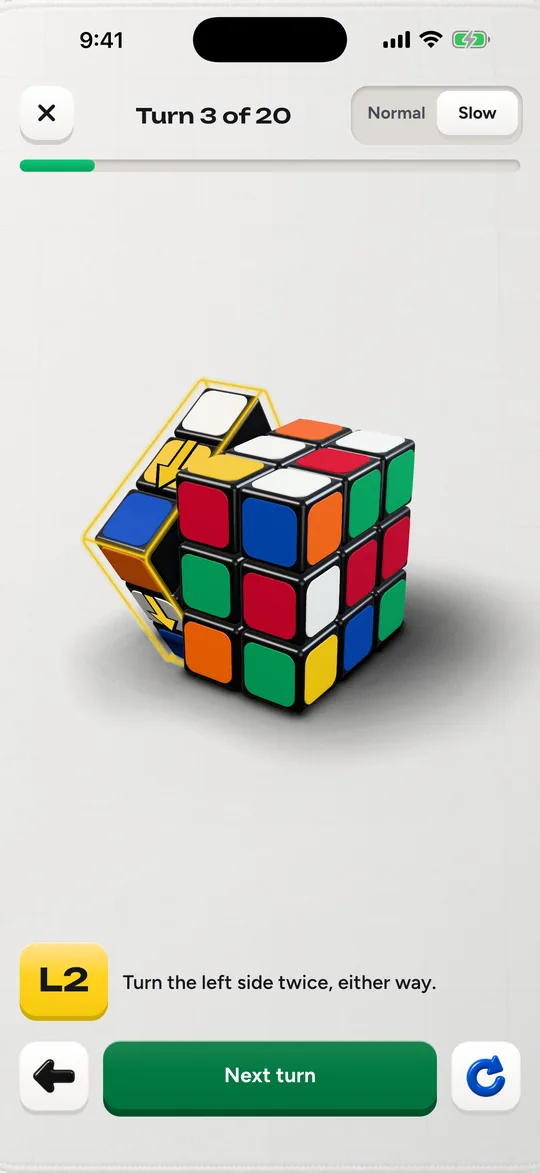
The next turn comes when you're ready. Step back, replay a turn, or slow the animation down. Spin the 3D cube with a finger to see it from any side.
Every turn comes as a move and in plain words:
- RTurn the right side away from you.
- U'Turn the top to the right.
- F2Turn the front twice, either way.

The course
Then learn how to solve it yourself
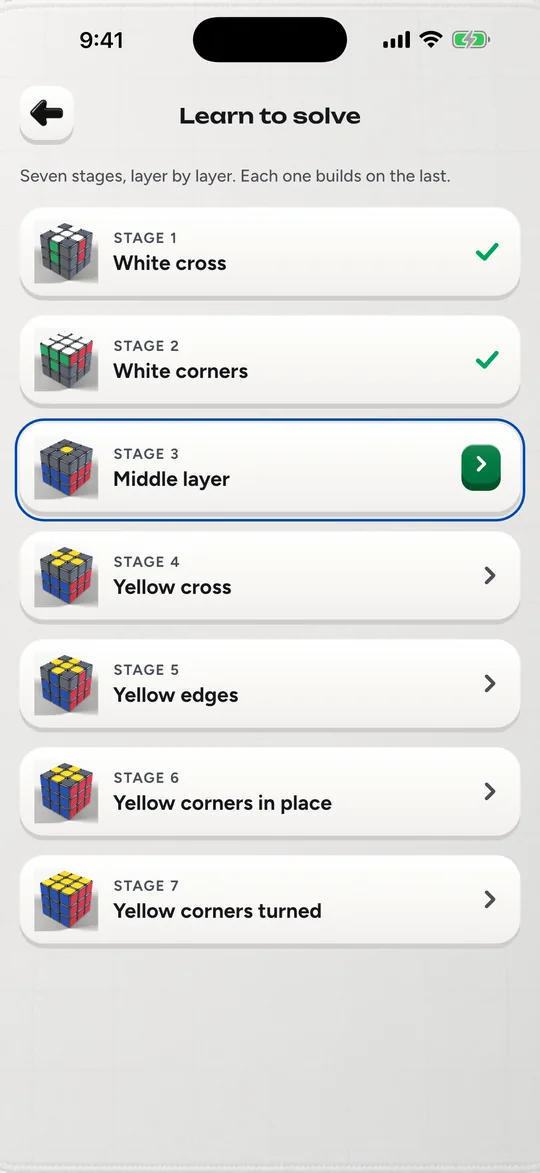
A course in seven short stages teaches the beginner's layer-by-layer method. Each algorithm is shown on the 3D cube, then you try it on your own cube. The first two stages are open to everyone.
Seven stages, layer by layer. Each one builds on the last.
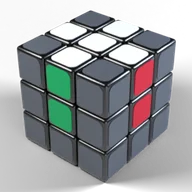 STAGE 1White cross
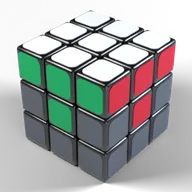 STAGE 2White corners
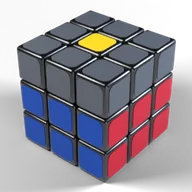 STAGE 3Middle layer
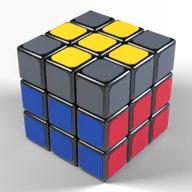 STAGE 4Yellow cross
 STAGE 5Yellow edges
 STAGE 6Yellow corners in place
 STAGE 7Yellow corners turned
Cubofix Pro unlocks the whole course, timer statistics and cube themes with a single in-app purchase.

The timer
A timer for speedcubing
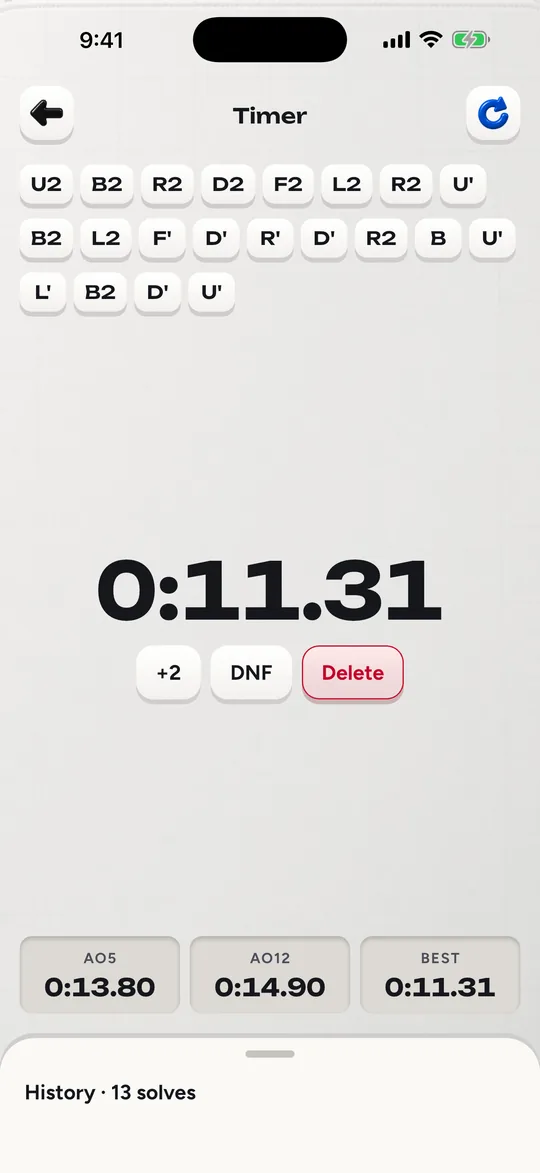
Random-state scrambles, 15-second inspection, average of 5 and of 12, plus the history of your solves.
- Hold anywhere, let go to start
- Tap anywhere to stop
With Cubofix Pro: Averages of 50 and 100, a graph of every solve, and export.

Good to know
Questions people ask
How do I solve a cube with Cubofix?
Show the six faces to the camera, one at a time. Cubofix checks the colors with you, finds a solution and shows it one turn at a time on a 3D cube. Make each turn on your own cube, then go on to the next one.
Can I learn to solve it without the app?
Yes, that is what the course is for. Seven short stages teach the beginner's layer-by-layer method, and you try each algorithm on your own cube. The first two stages are open to everyone.
What if Cubofix says my cube can't be solved?
Then one piece sits in a way that turning alone can't fix: a twisted corner, a flipped edge, or two pieces swapped. Cubofix tells you which piece it is and shows it on the 3D cube.
A twisted corner can be turned back by hand; then scan the cube again. If you typed the colors in, check the outlined stickers first, because one of them may be wrong.
Does it work without an internet connection?
Yes. Reading the colors and working out the solution both happen on your phone, and camera images stay there. The course and the timer work offline too. Details are in the privacy policy.
Which cubes does it work with?
The classic 3x3 cube with the six usual colors: white, yellow, red, orange, blue and green. Other sizes, such as the 2x2 or the 4x4, are not supported.
Is there a limit on how many cubes I can solve?
No. Solve as many cubes as you like, with no limit and no waiting. Cubofix Pro, a single in-app purchase, unlocks the whole course, timer statistics and cube themes.
Who makes Cubofix?
IOCODO LLC. You can reach us from the support page.
Stuck with a scrambled cube?
Cubofix is coming soon to the App Store and Google Play.